Registration and Login
Registration and Login
Learn how to get started with sonopto.signage! Register a new user account quickly and easily to begin managing your digital signage in minutes.
- Open your browser and go to the management console.
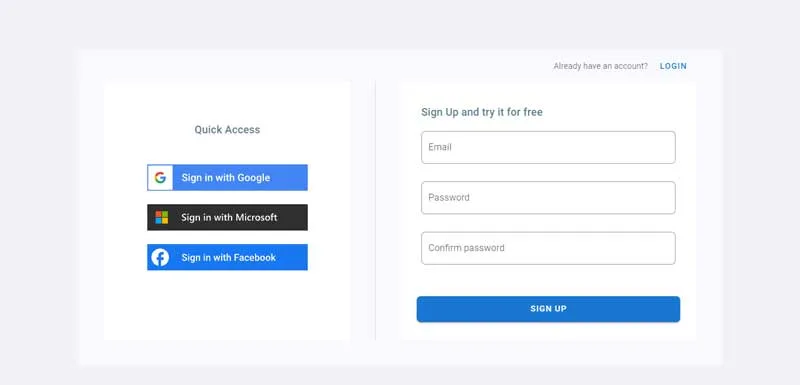
There are 2 methods to create an account, the first one is faster and easier.
Method 1:
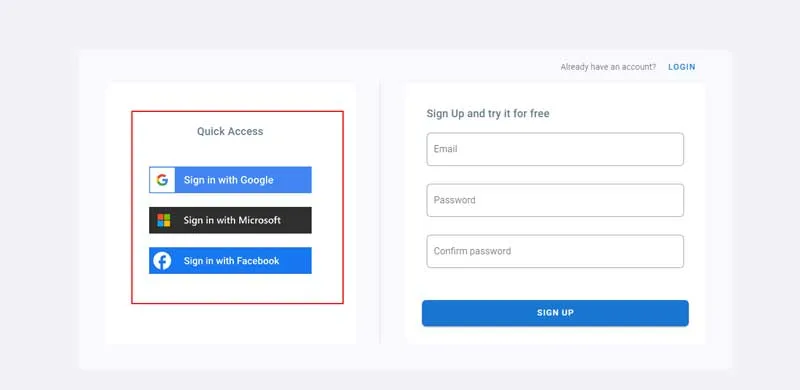
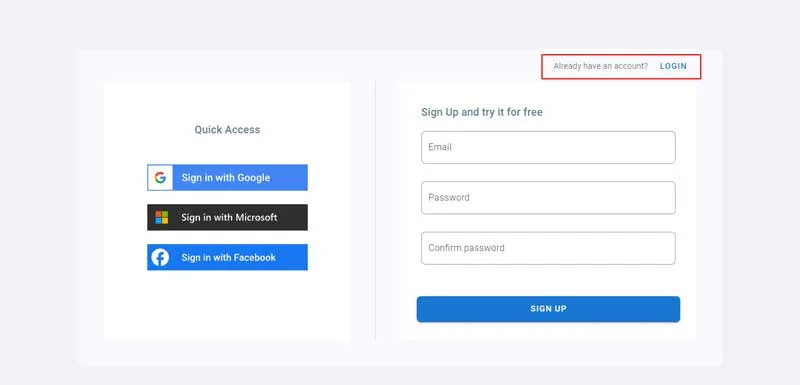
Logging in will be done using one of user’s existing accounts:
- Google which includes Gmail and Gsuite accounts,
- Microsoft which includes Hotmail, Skype and Outlook accounts,
- and Facebook
Method 2:
The second one is the manual one which will require additional steps.
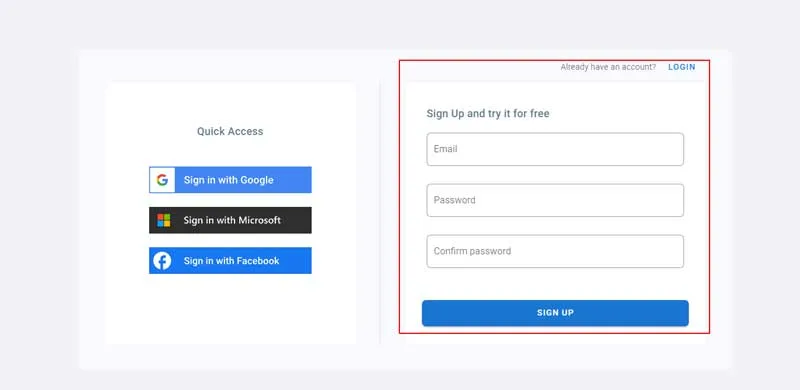
Follow the below steps for manual loggin.
- Fill up the form with your email and password.
- Confirm your password
- Click on Sign Up.
- We will send an email with a verification code
- Copy the code from your email. If it’s not there check your spam folder.
- Come back to the page below and enter the code you copied.
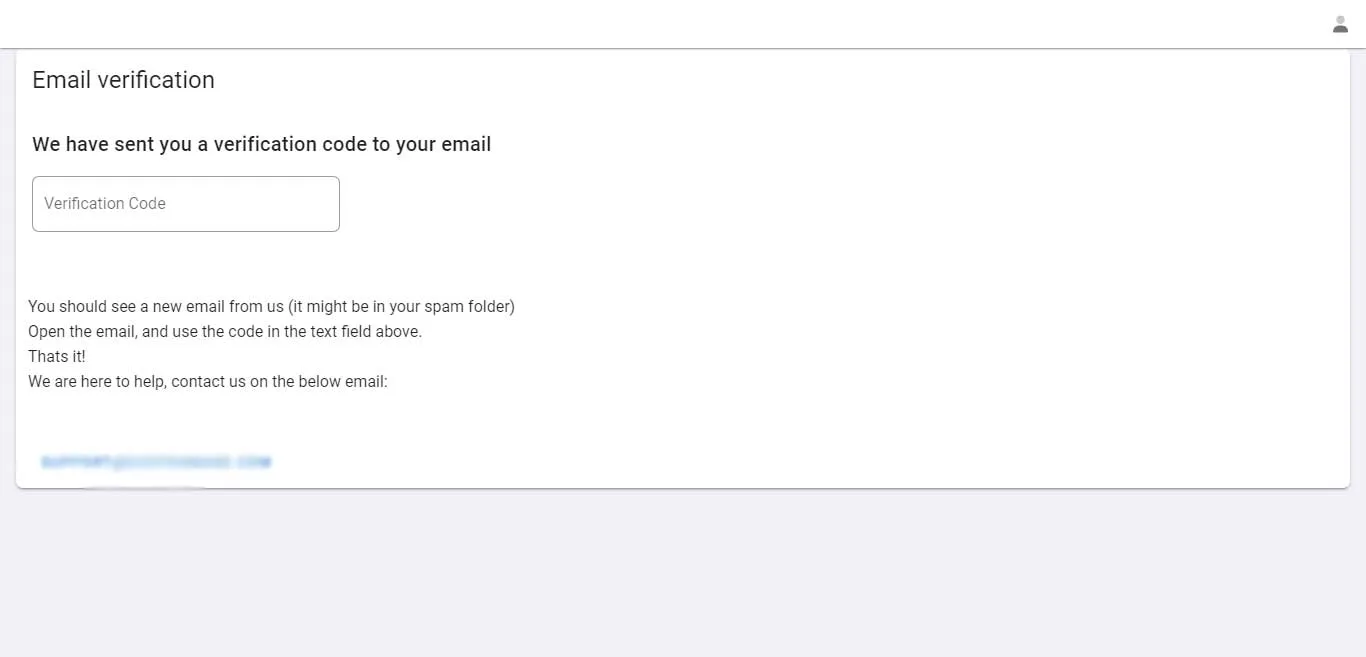
- After the verification you will be automatically signed in to the system
Login with exisiting account
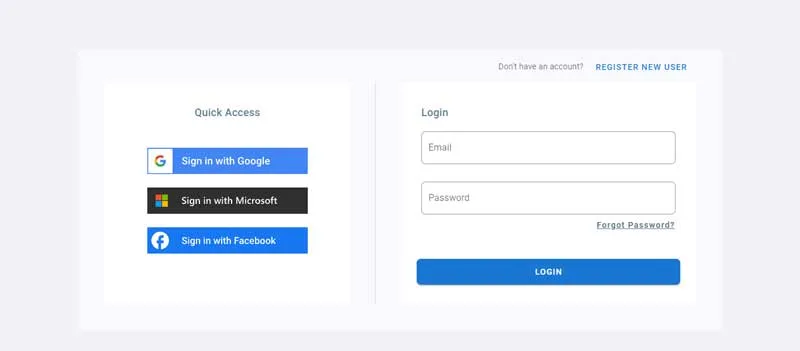
- If you already have an account and you want to sign in, click on Login as shown below.
- Enter your email and Password
- Click on Login
- If you forgot your password click on Forgot Password?