Restaurants and Cafés
Let the Menu Change Itself From Breakfast to Dinner
The menu board is the most-read surface in a restaurant. On a printed menu a price change means a reprint; on a screen it means editing one cell in a spreadsheet.
The price changed, so the menu has to be reprinted
The real cost of a printed menu is not paper — it is how strongly it resists change. When a price rises or a supply problem hits, the menu stays wrong for weeks, and trying a promotion, pushing the dish of the day or running an hourly offer becomes impractical. On screen those decisions take minutes.
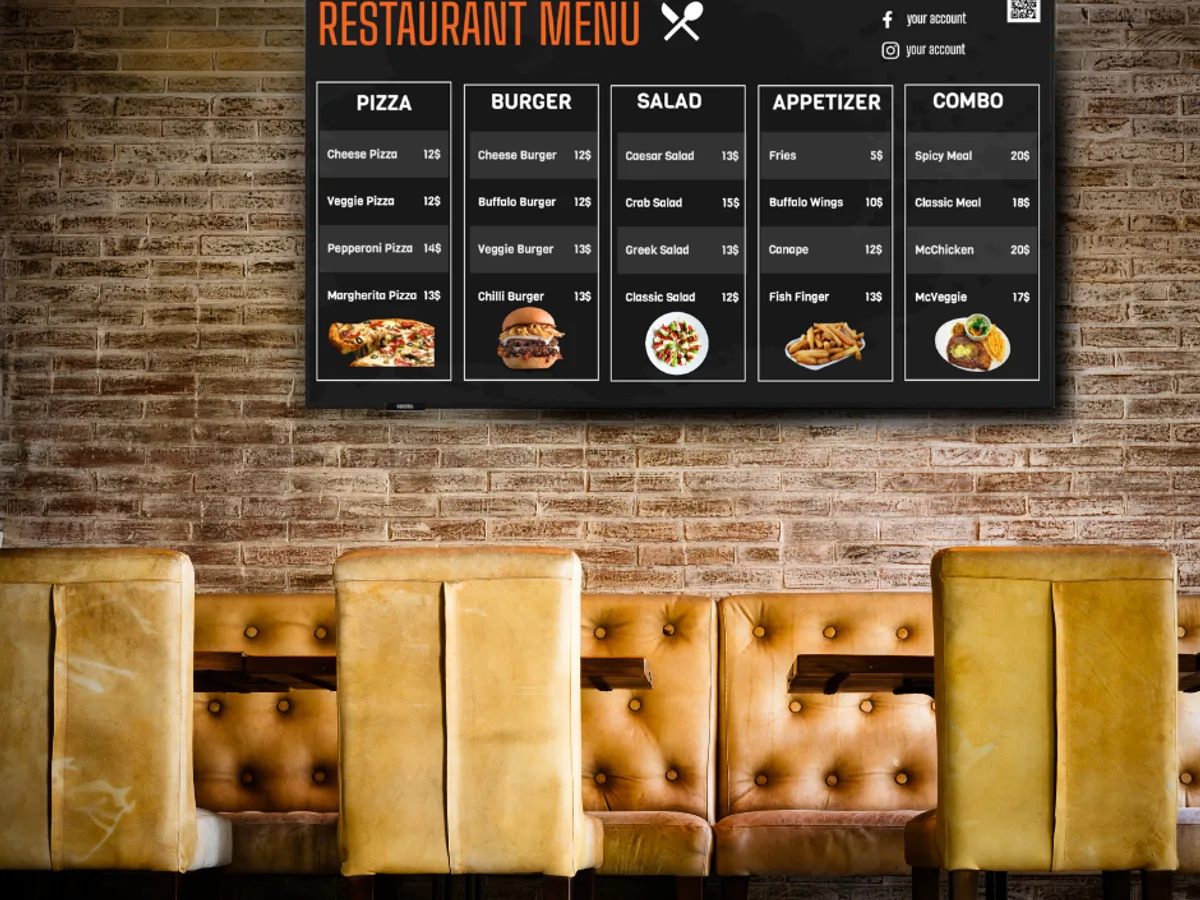
What goes on the screens?
- Menu boards: price lists by category, dishes presented with photography
- Dayparting: automatic switching between breakfast, lunch, dinner and late menus
- Promotions and upsell: desserts, drinks and add-ons shown while customers wait
- Dish of the day and sold-out notices
- QR code screens for the Wi-Fi password and social media accounts
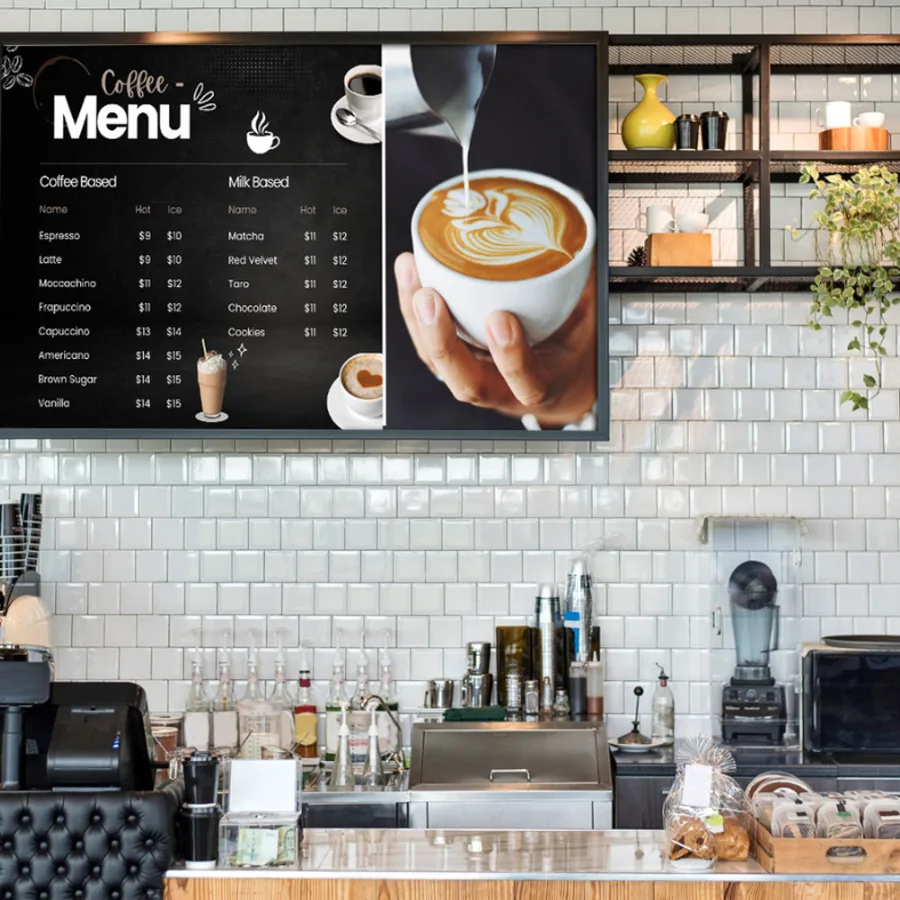
What really matters here: Google Sheets and scheduling
Menu prices can be driven from a Google Sheet: update the sheet and the screens follow, without anyone opening the panel. Scheduling hands the breakfast menu over to lunch at 11:00 on its own. On the design side, the Canva integration and its ready-made templates bring menu layout within reach of the kitchen team.
What difference does it make that we install the screen?
Menu boards usually sit above the counter, close to kitchen heat and steam, and the cabling has to be routed to food-area rules. Mount height matters too — it is set to the eye line of a standing customer, which directly affects legibility. We measure this on site. If you are running several screens as one continuous menu, synchronised playback keeps them acting as a single board.
Frequently Asked Questions
Can we update the menu ourselves?+
Yes — that is the point. If prices are managed in Google Sheets, updating the sheet is enough. To change the design you can build it in Canva and send it straight to the screen. We train your team after installation.
Can several screens work as one menu?+
Yes. Screens placed side by side can be put in a synchronised playback group so content runs across all of them at once and three displays read as one wide menu board. Matching model and size matters for visual continuity; we advise on that during the survey.
Do the screens switch off at closing time?+
Yes. Power management switches screens off and on at times you set. That shows up in both the electricity bill and the life of the panel — a screen running needlessly overnight accumulates thousands of hours of wear a year.
Other Sectors
Everything about sonopto.signage →Retail and Shops
Window and aisle displays, one panel for the whole branch network, content that changes automatically on the campaign calendar.
Read More →Corporate Offices
Welcome displays, room booking screens at the door, internal communication boards and a company-wide announcement network.
Read More →Transport and Terminals
Platform and terminal information, wayfinding displays, and video walls run as sellable advertising inventory.
Read More →Schools and Campuses
Corridor and canteen announcement screens, library information, exam and event calendars, campus wayfinding.
Read More →Healthcare
Queue and wayfinding displays, clinic information, waiting area content and consultant schedule screens.
Read More →Let’s Talk About Your Screens
Tell us how many screens you have and where you want to use them. We will scope it with you and prepare the right setup and quote.
Request a Free Site Survey