Corporate Offices
End the Argument Outside the Meeting Room
A screen in an office has two jobs: to present the company properly to a visitor, and to give staff the information they need without having to go looking for it. Both look simple, and both fail when they are not set up properly.
The room was booked and nobody knew
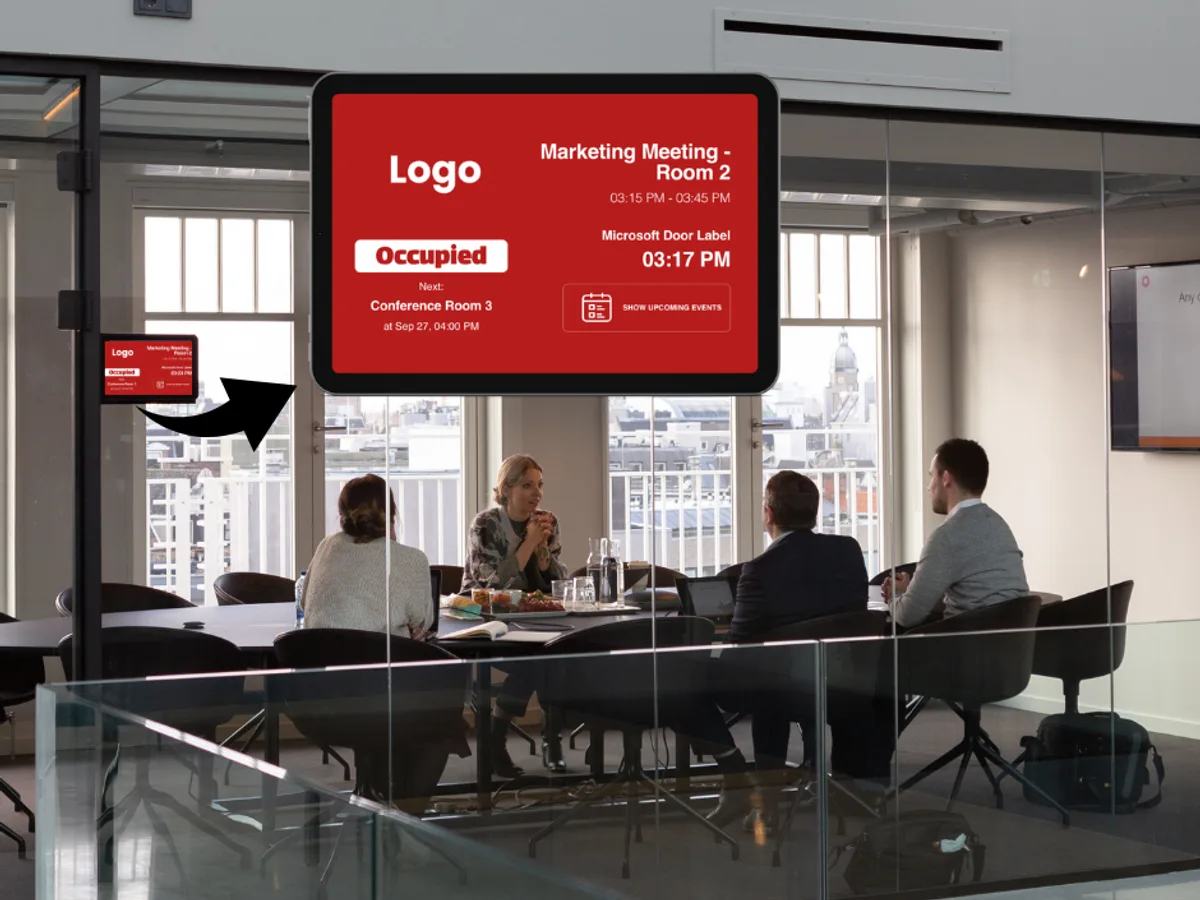
Meeting room clashes are not caused by the calendar — they are caused by the calendar being invisible at the door. When whoever booked the room does not turn up, the room sits empty; when someone who did not book it walks in, a meeting gets interrupted. A small screen at the door, wired live to the calendar, removes both: current status and the next meeting are written outside the room.
What goes on the screens?
- Door displays: live occupancy, the next meeting and booking on the spot
- Welcome screen: visitor greeting, company introduction, the day’s schedule
- Internal communication boards: announcements, HR notices, new joiners
- Performance and operations screens: targets and live dashboards
- Shared areas: canteen menu, shuttle times, event calendar
What really matters here: the door sign and calendar integration
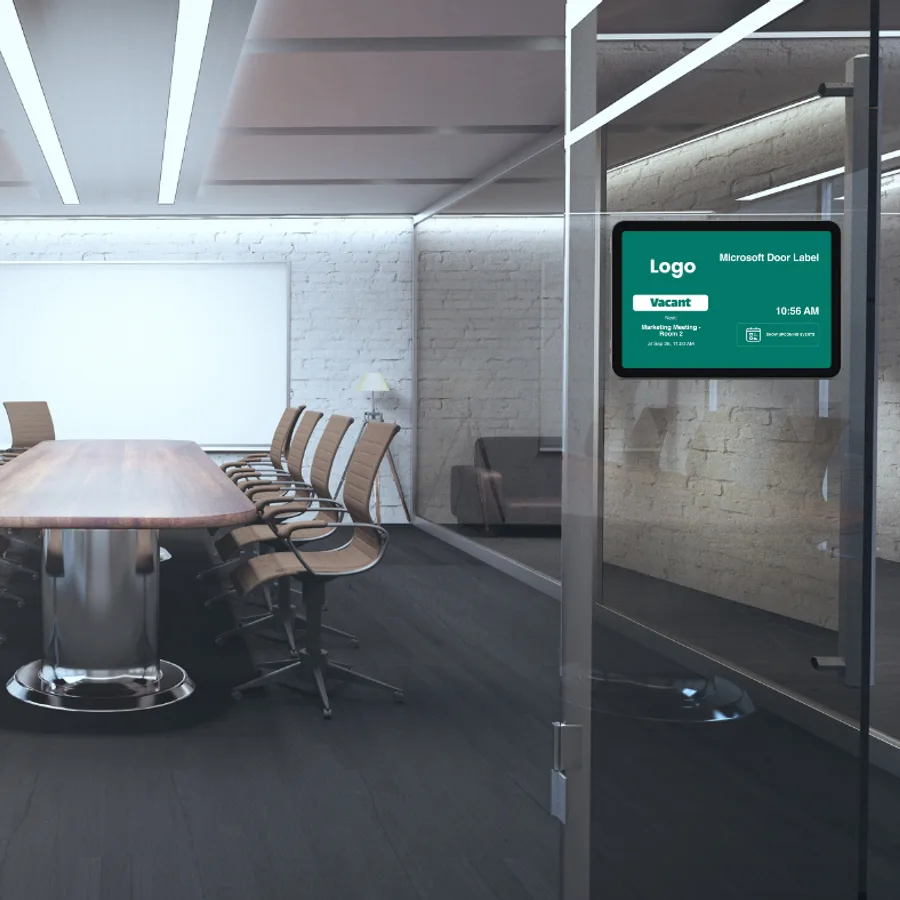
The door sign app connects to Microsoft and Google Calendar, so occupancy is read live from the calendar and there is no second system to maintain. For announcement boards the Google Drive integration does the work: HR drops a file in a folder and it appears on screen, with nobody opening the panel. Templates carrying your brand can be built in Canva and pushed to every office at once.
What difference does it make that we install the screen?
Door displays are small but fiddly: recessed mounting into plasterboard, data and power run without visible trunking, and alignment to the door frame. We are already installing audio and video systems in your meeting rooms, so handling the signage screens in the same survey with the same team is both quicker and more consistent than coordinating two firms.
Frequently Asked Questions
Do the door screens work with our Microsoft 365 calendar?+
Yes. The door sign app connects to Microsoft and Google Calendar, and current occupancy and the next meeting are read straight from your calendar. Your booking process stays exactly as it is; the screen only makes it visible.
Will it work alongside our existing meeting room system?+
Yes. Signage screens run independently of your Zoom Rooms or Microsoft Teams Rooms setup; the two do not interfere. We install meeting room systems as well, so planning both in one survey is the most efficient route.
We have several offices — can we manage them from one place?+
Yes. Group the offices and a company-wide announcement reaches all of them in one action, while local notices go only to the relevant group. You can also see from the panel which screens are online and when each last updated.
Other Sectors
Everything about sonopto.signage →Retail and Shops
Window and aisle displays, one panel for the whole branch network, content that changes automatically on the campaign calendar.
Read More →Restaurants and Cafés
Digital menu boards, menus that switch automatically through the day, prices driven from a spreadsheet and no reprinting.
Read More →Transport and Terminals
Platform and terminal information, wayfinding displays, and video walls run as sellable advertising inventory.
Read More →Schools and Campuses
Corridor and canteen announcement screens, library information, exam and event calendars, campus wayfinding.
Read More →Healthcare
Queue and wayfinding displays, clinic information, waiting area content and consultant schedule screens.
Read More →Let’s Talk About Your Screens
Tell us how many screens you have and where you want to use them. We will scope it with you and prepare the right setup and quote.
Request a Free Site Survey